
CI/CD Pipeline
Continuously build, test and deploy to your Kubernetes clusters, with the pipeline set up and run for you.
Build and deploy faster with the CI/CD Pipeline

Streamline your workflow
Spend less time with the nuts and bolts and more time being creative by automating your builds and deployments. Every push is built and answers in the test environment within minutes.
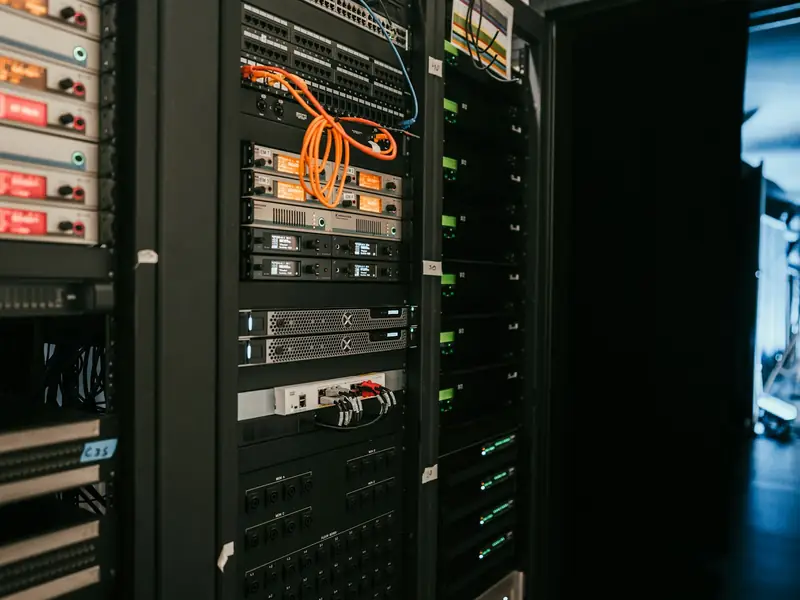
Build agents hosted in the cluster
Simplify managing hardware and virtual machines (VMs) with build agents that run inside the cluster. Each project builds on its own agent, in its own namespace.
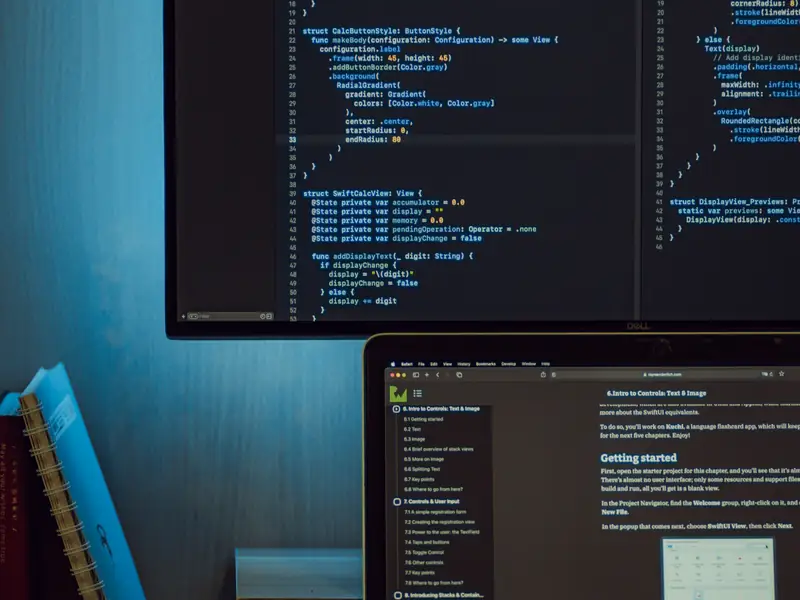
Powerful workflows with native container support
Create container images from source without writing a Dockerfile; the language is detected from the files in the repository. Images run as a non-root user and ship with a software bill of materials (SBOM).

Staged deployments to Kubernetes
Every push deploys to test; when you tag a release, the image tested there is the one promoted to production. Test and production run in separate environments at separate addresses.
Example scenarios

A team that pushes code several times a day
After every push the app is built and answers in the test environment within minutes. No Dockerfile is needed; the language is recognised from the files in the repository.

A team lead taking a release to production
When the release tag is set, the exact image tried in test goes to production, and only people on the approved list can set it. If the new release fails to start, the previous one is put back automatically.

A new service that needs a database
One line in the app definition brings a PostgreSQL database, and its address reaches the container as an environment variable. Three copies run in production.
Flexibly automate CI/CD with a managed pipeline
Common languages, ready to build
Build, test and deploy Go, Node.js, Python, Java and other apps. If you bring your own Dockerfile, the base image must come from the platform registry and the user must not be root, and both are checked.
Containers and Kubernetes
Images are kept in a private container registry that scans them for vulnerabilities, and deployed to clusters through GitOps. Public registry limits and deleted upstream tags never stop a build.
Add dependencies in one line
Add one line to the application file to get a PostgreSQL database. The connection string reaches the container as an environment variable; production runs three copies with failover ready.
Automatic rollback on a bad release
If a release fails to come up in production, the previous version's image and configuration are restored together and production is checked to be serving again.
Control who ships to production
Only people on the authorised list can create a release tag. Every release is kept in an append-only record that shows what shipped and whether it was rolled back.
Weekly security patches
The operating system layer is patched every week and rebased under every image; the application is not rebuilt and developers have nothing to do.
Embedded security
Admission policies
Images from outside the platform registry, containers running as root and workloads without resource limits are kept out of the cluster.
No inbound connections
No inbound connection is opened to the cluster for deployments; new releases are picked up by polling and no shared secret sits in the repository.
Read-only production identity
The platform's automation cannot change production on its own; every production change is recorded as a commit.
Flexible pricing for all your CI/CD needs
Pricing is set in a quote prepared for your needs. Use the contact form to request one.

Learn more to get started
Kubernetes
See how the clusters are built and operated.
Enterprise Kubernetes platform deployment and operations
The pipeline, registry and cluster delivered end to end as one platform.
For software companies
Infrastructure and a delivery path for multi-project software teams.