
Micro-segmentation
Isolate traffic between your virtual machines and manage network security rules across your whole environment from one place.
Centrally manage the security of your virtual networks at scale
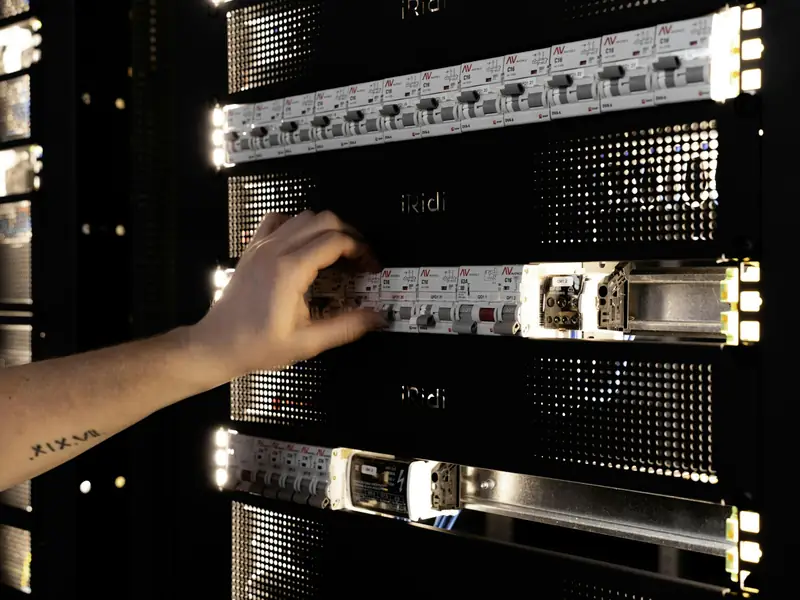
Enhance security and isolation
Run virtual machines and applications in isolation. Define groups and rules to control access; each rule is enforced on the virtual machine's network card, in the hypervisor kernel.

Limit lateral movement
East-west traffic from a compromised server towards other servers hits the rules, which narrows the area ransomware can spread to.
Manage virtual network resources across environments
Bring several virtual data centres into one data centre group and put their shared networks inside the same distributed firewall boundary. Control rules for your entire environment from one place.

Scale security with your workloads
Because rules are enforced on every hypervisor, there is no single security appliance that traffic must pass through, and one device failing does not affect all internal traffic.
Example scenarios

An organisation limiting how far ransomware can spread
East-west traffic between servers meets the rules, so a compromised server cannot reach the others. The rules are enforced on each virtual machine’s network card.

A team keeping test and production apart on one network
Test and production virtual machines join groups by their tags and stay closed to each other. A newly tagged virtual machine gets its rules on its own.

A software team opening its database to the app only
An exclusion rule keeps everyone but the app servers away from the database. Between the web, app and database tiers only the ports that are needed stay open.
Build secure, scalable virtual networks
Dynamic groups
Virtual machines join groups automatically by name, operating system name or security tag, so a newly tagged virtual machine gets its rules on its own.
Exclusion rules
Apply a rule to everything outside a group you name, for example so that nothing but the application servers can reach the database.
Protect multi-tier applications
Allow only the ports that are needed between web, application and database tiers, and close everything else.
Separate test and production
Keep test and production virtual machines on the same network closed to each other with tag-based groups.
Rules that move with the virtual machine
A rule is bound to the virtual machine itself; when the virtual machine moves to another physical server, the rule on its network card stays in force.
Manage rules in the portal
Write, enable, disable, reorder and edit distributed firewall rules in the portal, and turn on logging per rule.
Embedded security
Stateful rules
The distributed firewall is stateful; allow, drop and reject actions apply to IPv4 and IPv6 traffic.
Logs
Distributed firewall logs are shown in the portal, queried by rule ID and time range, and exported as CSV.
Written rules for audits
Which server can reach which can be shown through written rules.
Micro-segmentation pricing
The distributed firewall is turned on at the data centre group level and covers every virtual data centre in the group. Contact us for pricing.

Learn more to get started
Software-Defined Networking
See the model in which the network is defined in software, the basis of micro-segmentation.
Software-Defined Data Center
Learn how compute, storage and networking come together on one platform.
Enterprise IT
See solutions for the infrastructure and security needs of enterprise IT teams.