
Virtual Servers
Create Linux and Windows virtual servers in minutes, and build, deploy and run your applications on resilient and scalable infrastructure.
Access secure, reliable compute capacity

Deploy diverse applications
Run Windows Server, SQL Server and Linux applications on servers created from ready-made templates, including an RDS template for remote desktop farms.
Scale rapidly and reliably
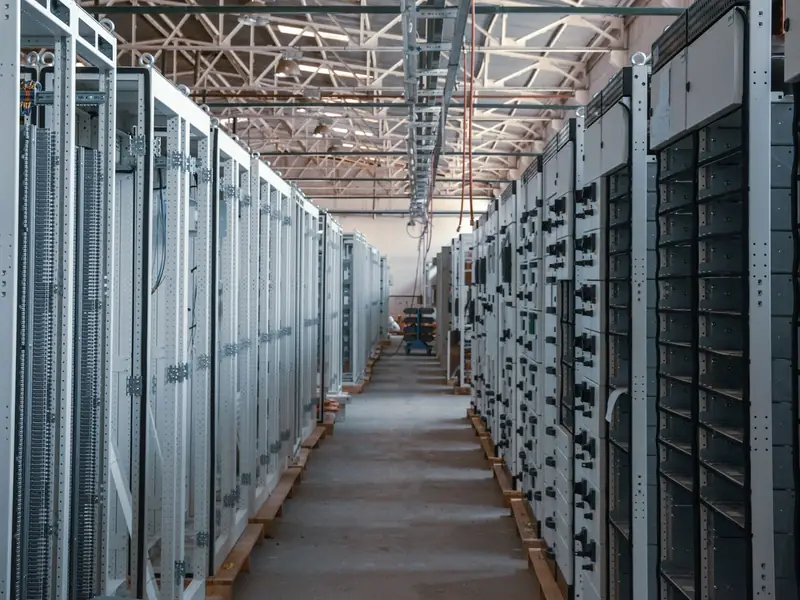
Change the CPU and memory size of your servers as needed, extend disks and attach new ones. Use anti-affinity rules to place two servers on separate physical hosts.
Ensure robust data security
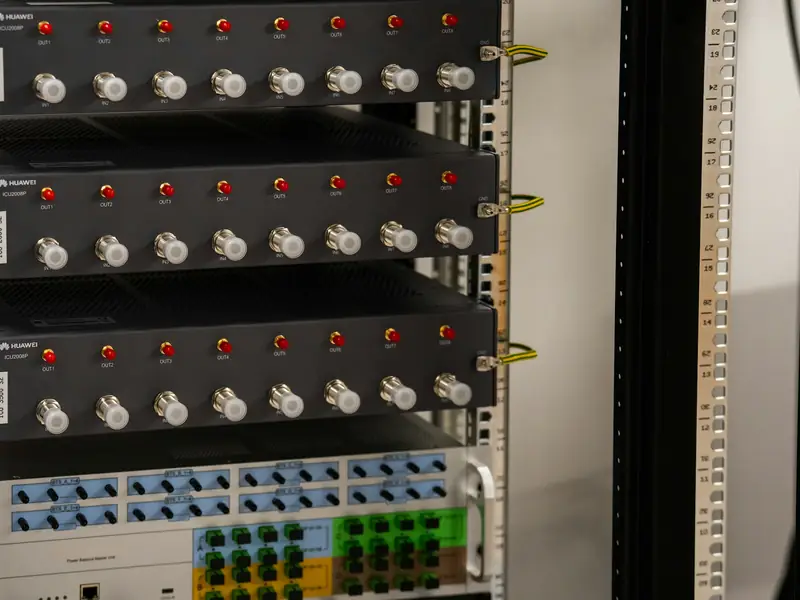
Your data is spread across several physical servers so that it survives the loss of a single server or disk. Start your servers with UEFI Secure Boot.

Migrate and extend your apps
Upload your existing virtual machines as OVA templates and install from your own ISO files. Connect your office network to your cloud network with Site-to-Site VPN.
Example scenarios

A firm moving its accounting app to the cloud
The office virtual machine is uploaded as an OVA template and started in the cloud. The office network joins the cloud network over Site-to-Site VPN, so staff keep reaching the app from the office.
A field team on remote desktop
The team connects by remote desktop to a server opened from the RDS template. User licences come ready and appear as their own line on the invoice.

A software team that builds a test environment before each release
Test servers are created through the API, with the SSH key and cloud-init data added on first boot. A snapshot taken before the update brings the server back to its earlier state if something goes wrong.
Virtual servers for every workload
Accelerated performance
Server disks run on NVMe storage with sub-millisecond write latency.
Rapid backup and restore
Take a snapshot in the portal and roll back when needed; use Backup for ongoing protection and Business Continuity for disaster recovery.
Multiple OS support
Choose from Linux and Windows Server templates for a tailored server, or attach your own ISO file.
Built-in console and management
A browser console reaches your server even when its network settings break, and a forgotten administrator password is reset in the portal.
Create servers through automation
Linux servers receive an SSH key and cloud-init user data at first boot. You can also create and manage servers through the API.
AI and graphics workloads
Run GPU-backed virtual servers with GPU Servers in the same portal and on the same network.
Virtual Servers in numbers
- customers
- 300+
- virtual servers running
- 1380
- data centres
- 2
- separate internet carriers
- 2
Embedded security
Deny-by-default firewall
Your gateway firewall denies and logs all traffic by default; only the rules you open let traffic through.
Role-based access and audit trail
Give your team portal roles such as Organisation Administrator or Console Access Only, and read who changed what and when in the audit trail.
One-time access details
The Windows administrator password is generated when the server is created and shown once. The browser console opens with a single-use ticket for each session.
Optimise your spending
Pricing is based on vCPU, GB of memory and GB of NVMe storage, with public IP addresses charged per address. Windows Server, SQL Server and remote desktop licences appear as separate items.

Learn more to get started
VM and container platform
Learn how virtual servers and containers run on the same platform.
Cloud migration
Plan the move of your existing servers to the cloud.
Solutions for enterprise IT
See the recommended set-up for IT teams moving their server room to the cloud.
Infrastructure
Learn about the data centres, network and storage infrastructure.