
Backup
Protect your data during outages and cyberattacks with a centralised backup service.
Enterprise-grade data protection
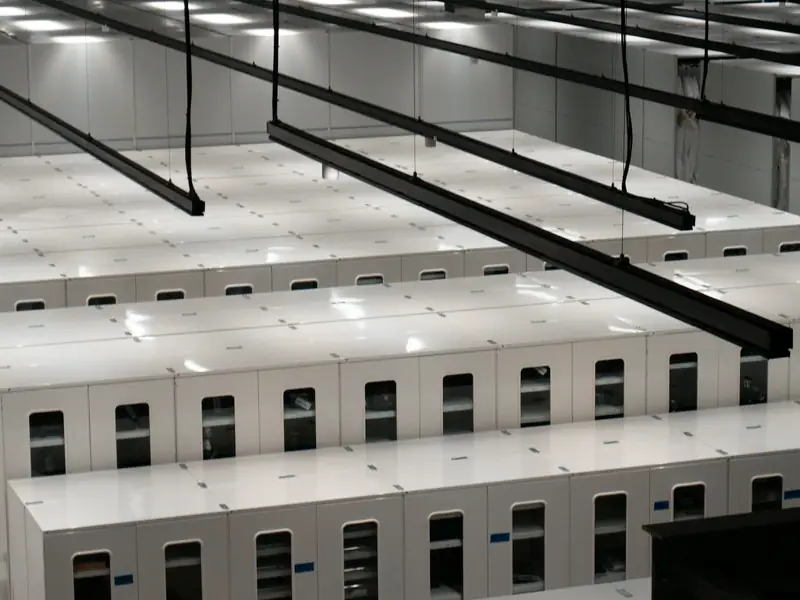
Manage backups at scale
Assign servers to a backup class one by one or in bulk, define auto-protection rules for new servers and take an on-demand backup of a single server outside the schedule.

Protect against ransomware
Protect your backups from ransomware attacks. Use retention locks and immutable retention, enabled on request, to stop chosen copies from being deleted before their time.
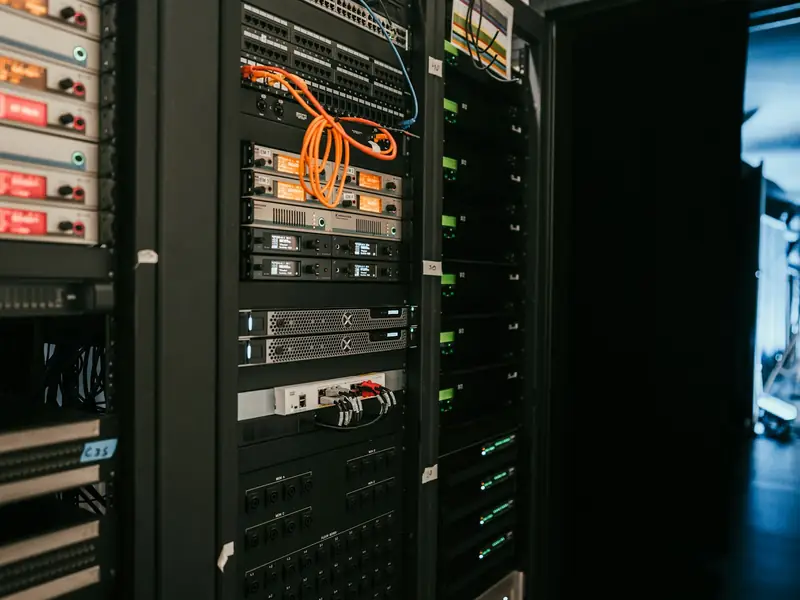
Protect diverse workloads
Protect database and email servers running SQL Server and Exchange with application-consistent classes, and your other servers with crash-consistent ones.
Keep your data in Türkiye
Your backups and their catalogue are kept in Türkiye, in a single region.
Example scenarios

A company getting ready for ransomware
Chosen copies are locked so they cannot be deleted before their time. Deleting a copy needs a one-time code sent to a verified email address, and a deleted copy is held for 24 hours.

An organisation running SQL Server and Exchange
Database and email servers are protected with an application-consistent backup class, other servers with a crash-consistent one. New servers join their class through automatic protection rules.

An employee getting back a file deleted by mistake
A single file or folder comes back from the backup without touching the server. If needed, the whole server is restored in place or as a new server.
Protect your assets from ransomware
At-scale management
Protect, back up, restore and manage copies from your cloud portal, without opening a ticket or signing in twice.
Data loss prevention
Prevent accidental or unauthorised deletion: deleting a copy needs a one-time code sent to a verified email address, and a deleted copy is held for 24 hours, during which it can be recovered.
Restore at the level you need
Restore a server in place or as a new server, or bring back a single file or folder without touching the server.
Bring back deleted servers
Backups of a deleted server stay listed for their retention period, and the server comes back as a new one.
Centralised monitoring and notifications
See protected servers and those needing attention on the overview, follow each server's 30-day RPO summary in reports and get an email when a backup fails.
Embedded security
Backups kept apart from production
Backups are kept separate from the production environment, so a problem in production does not reach them.
Isolation between organisations
No organisation can see another organisation's servers, copies or backup jobs.
No hidden failures
A job is never shown as successful until its success is verified; a failed job shows its cause and can be retried.
Flexible pricing to simplify data protection
The pricing model has two components: a licence per backed-up server and the space used in the backup store. Backup space is allocated as a per-organisation quota and grows without interruption.

Learn more to get started
Infrastructure
See the data centres and network links where backups are kept.
Software-defined data center
Learn the architecture that brings compute, storage and networking onto one platform.
Cloud migration
Move your servers to the cloud with a pilot migration and a written rollback plan.
Enterprise IT
Hand over the server room and free your team for business applications.