
Business Continuity
Minimise business disruption by continuously replicating your on-site servers to the cloud.
Ensure business continuity during unplanned outages

Deploy and manage with confidence
Reduce risk during outages and ensure business continuity: when something goes wrong on your site, your servers come up from their copies in the cloud.
Minimise downtime with dependable recovery
Your copies come up in the same environment as your other cloud servers. The networks to use in a disaster are prepared during set-up.

Use the cloud as your recovery site
Use the cloud instead of a second data centre for disaster recovery; replicated servers are written to your cloud environment's own storage.
Support replication and migration scenarios
Replicate virtual machines from your on-site virtualisation environment to the cloud. The same replication is also used to move servers to the cloud for good.
Example scenarios
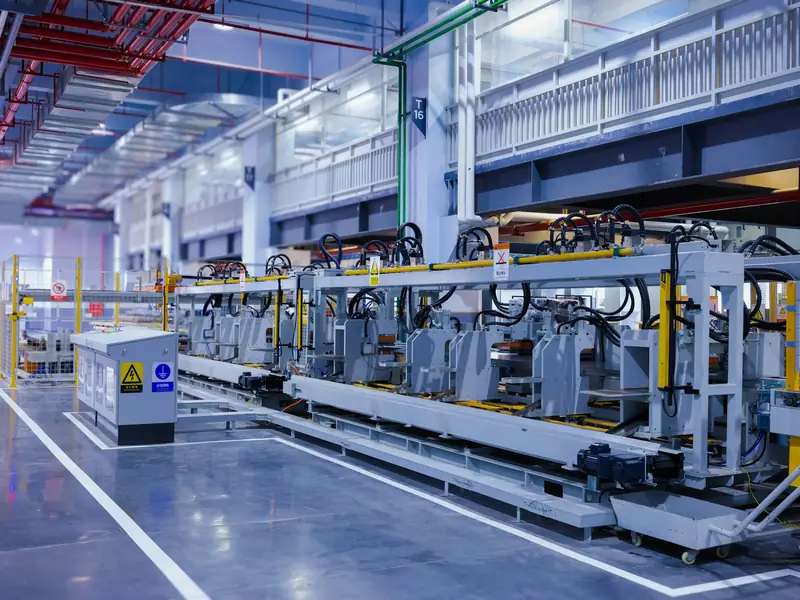
A factory using the cloud instead of a second data center
On-premises virtual machines are replicated to the cloud continuously and written to the cloud environment’s own storage. If something goes wrong on site, the servers start from their copies in the cloud.

A team testing its recovery plan without touching production
A test failover runs without interrupting the live environment. The recovery plan sets the order in which a multi-tier app’s servers start.
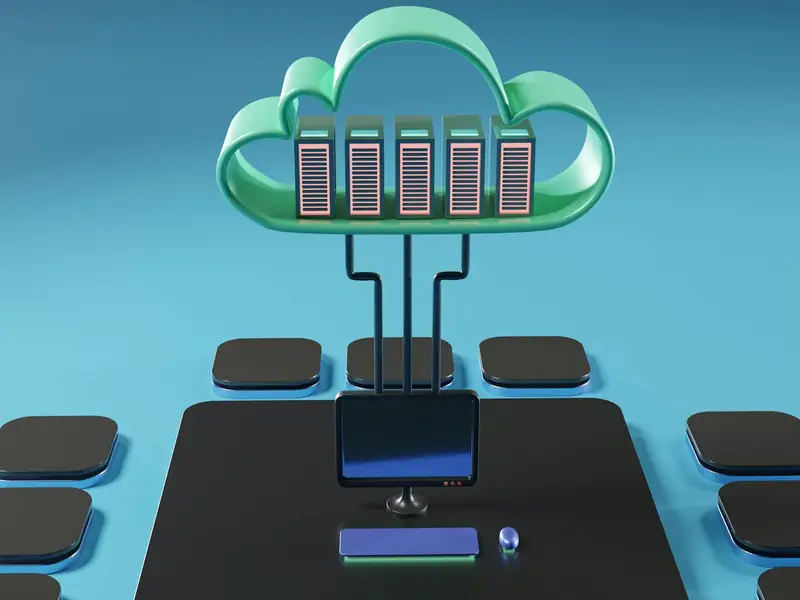
A company moving its servers to the cloud for good
Once replication has caught up, the servers start in the cloud and leave the on-premises environment. When the site is ready again, servers can be replicated back the other way.
Minimise disruptions
Multiple recovery points
Replication keeps several recovery points alongside the latest copy.
Centralised monitoring and alerting
Monitor your replications on the management screen in your cloud portal. RPO alerts are followed for you, and replications that fall behind are reported to you.
Continuous replication
Replicate your on-site virtual machines to the cloud without interruption, with the RPO of each replication tracked on its own.
Recovery plans
Use recovery plans to set the failover and start-up order of multitier applications running on multiple VMs.
Test without disruption
Validate your ongoing replication and disaster recovery strategy without disrupting production by running a test failover.
Fail back to your own site
When your site is ready again, servers are replicated in reverse and brought back to your on-site environment.
Embedded security
Management closed to the outside
External traffic enters only through the tunnel layer; management components are never exposed to the internet.
Redundant connection layer
The tunnel layer runs active-active; if one tunnel appliance goes down, the other carries the traffic.
Your copies stay in Türkiye
Copies in the cloud are kept in data centres in Türkiye.
Keep your business running with a built-in disaster recovery service
Business Continuity is billed by the number of protected servers: each replicated server has one licence and one managed-service line. Price lines are set out in the quote.

Learn more to get started
Cloud migration
Move your servers to the cloud with a pilot migration and a written rollback plan.
Infrastructure
See the data centres and network links where copies are kept.
Software-defined data center
Learn the architecture that brings compute, storage and networking onto one platform.
Enterprise IT
Hand over the server room and free your team for business applications.