
Virtual Desktop (VDI)
Deliver secure remote desktop and application experiences to employees wherever they are.
Why choose Virtual Desktop
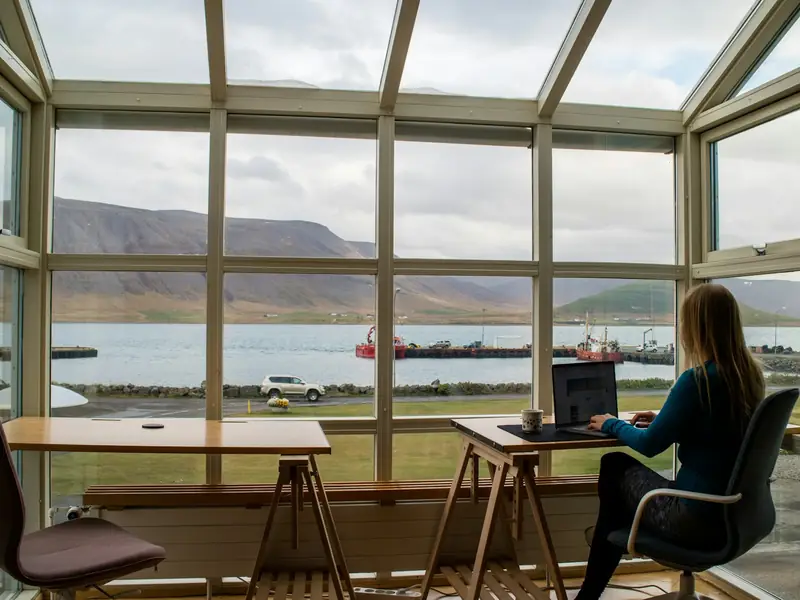
Access from anywhere
Access virtualised Windows desktops and apps with Windows, macOS, Linux, iOS and Android clients, or with just a web browser.

Maintain full control
Meet employee needs while maintaining control over configuration and management. Set-up is planned as a project around your applications and number of users.

Connect without a VPN
Employees outside the office connect securely to their desktops through the external access gateway.

Run desktops on the same infrastructure as your servers
Desktops, servers, GPU resources and backup run on the same infrastructure in Türkiye, operated by the same team.
Example scenarios
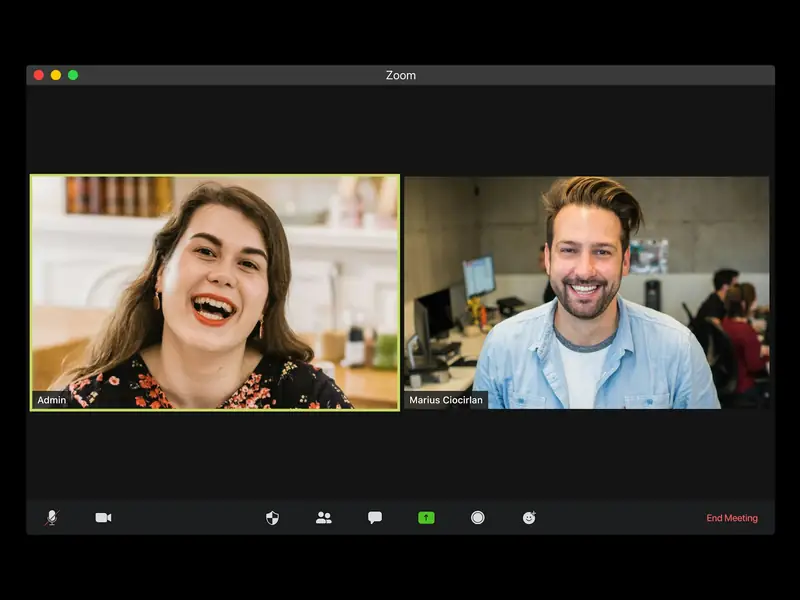
A company with staff in different cities
Staff reach their Windows desktops from a laptop, a tablet or just a browser. Connecting from outside the office needs no VPN; it goes through the external access gateway.

A contact centre running its desktops from one image
Desktops are produced as instant clones of a single golden image and refresh when a session ends. Each user’s files and settings survive from one session to the next.
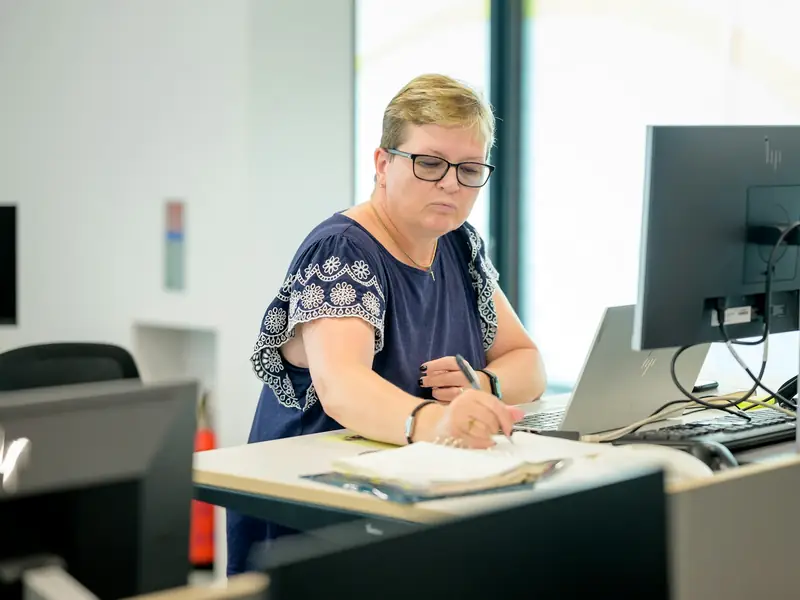
An accounting office that works with printers and scanners
Each user’s USB devices, printer and scanner are redirected to the desktop. Desktops, servers and backups run on the same infrastructure in Türkiye, operated by the same team.
Provide remote desktops and apps to employees
Familiar Windows experiences
Provide access to Windows 10 and Windows Server 2022 desktop experiences.
Connection quality that adapts to the network
Choose between two display protocols; image quality and compression adjust to network conditions.
Host pool management
Produce desktops from a single golden image with instant-clone pools; a desktop is refreshed when the session ends. User data is kept on a persistent disk.
Graphics-intensive desktops
Create graphics desktops with GPU profiles for design and engineering software.
Peripheral support
Redirect USB devices, printers and scanners to the desktop.
Embedded security
Two-factor sign-in
Desktop sign-in can use RADIUS-based two-factor authentication and SAML integration with your identity provider.
Device posture check
The external access gateway checks a connecting device against the access policy before the connection is made.
Central device management
Company phones and tablets are managed centrally with device management.
Virtual Desktop pricing
Pricing is per user desktop; device management is charged per device.

Learn more to get started
Solutions for enterprise IT
See the recommended set-up for IT teams giving desktops to remote staff.
Software-defined data center
Learn about the compute, storage and network platform the desktops run on.
Infrastructure
See the data centre and network infrastructure where the desktops run.